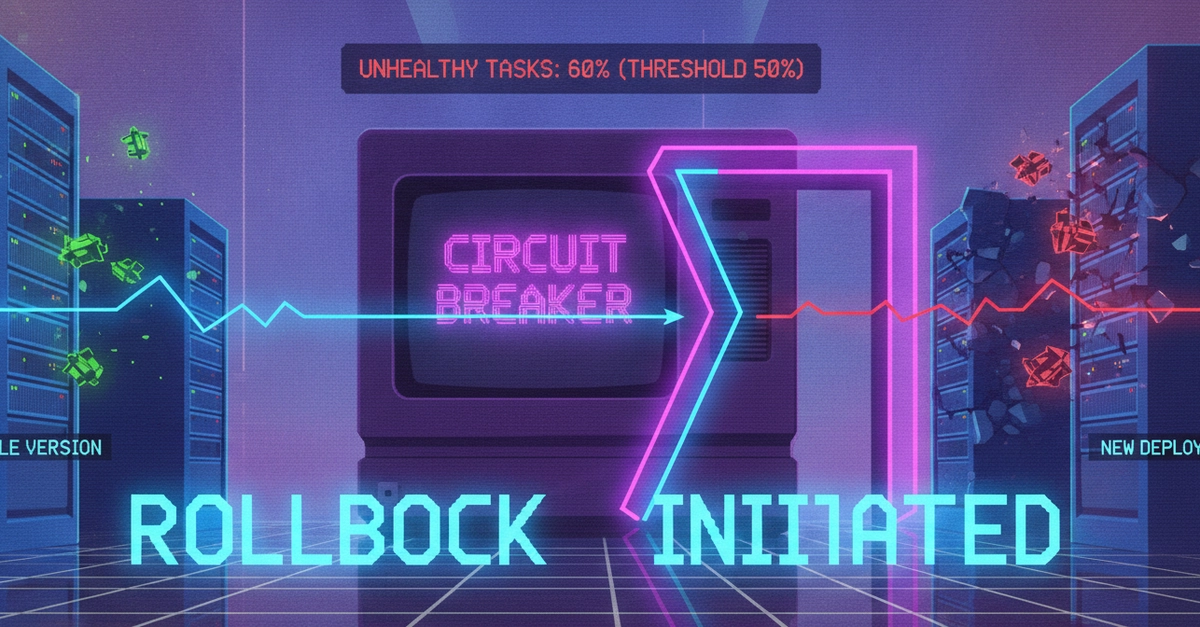
Understanding the Amazon ECS Deployment Circuit Breaker
Amazon Elastic Container Service (ECS) offers a critical safety net for application deployments: the deployment circuit breaker. This feature automatically detects and rolls back failed deployments, preventing cascading failures and ensuring service availability. Instead of manually intervening when a new deployment goes awry, ECS takes charge, reverting to a stable previous version. This proactive approach minimizes downtime and reduces the operational burden on developers and SREs.
How the Circuit Breaker Detects Failures
The ECS deployment circuit breaker operates by continuously monitoring the health and success rate of tasks during a deployment. It doesn't just look at whether a new task started; it assesses whether that task is actually serving traffic and meeting defined health criteria. This multi-faceted approach allows it to catch a wide range of potential issues.
Container Health Checks
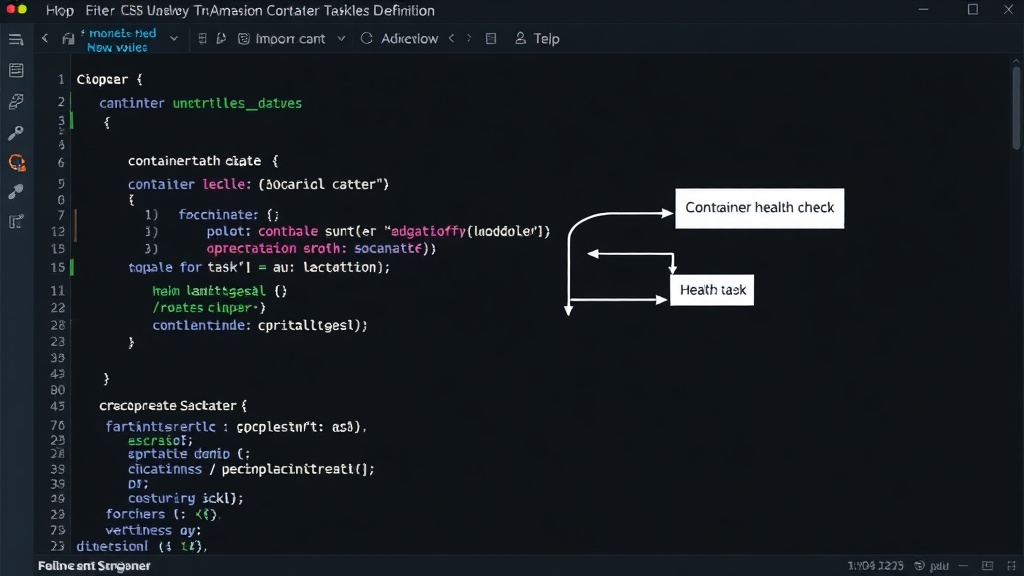
At the core of the circuit breaker's detection mechanism are container health checks. Each container within a task definition can be configured with a health check command. This command is executed periodically by the ECS agent on the container instance. The results of this command are reported back to ECS, indicating whether the container is healthy, unhealthy, or starting.
A common example is an HTTP health check that pings a specific endpoint (e.g., /health) on your application. If the endpoint returns a success code (typically 2xx or 3xx), the container is considered healthy. If it returns an error code (4xx or 5xx) or times out, the container is marked as unhealthy. ECS uses these health check statuses to determine the overall health of a task.
Deployment Failure Thresholds
The circuit breaker doesn't trigger a rollback for a single unhealthy container or a minor dip in success rate. Instead, it relies on configurable thresholds. ECS monitors the number of tasks that are unhealthy or that fail to start within a specified deployment window. If the number of unhealthy tasks exceeds a defined percentage of the desired count, or if the deployment fails to reach the desired number of healthy tasks within a timeout period, the circuit breaker is tripped.
Specifically, ECS monitors two key metrics during a deployment:
- Number of unhealthy tasks: If the count of unhealthy tasks during a deployment exceeds the configured threshold (e.g., more than 50% of the new tasks are unhealthy), ECS initiates a rollback.
- Deployment timeout: If the deployment does not reach the desired number of healthy tasks within the specified deployment controller timeout, it's considered a failure, and a rollback is triggered.
Rollback Mechanism
When the circuit breaker detects a failure condition, it halts the ongoing deployment and initiates a rollback. This means ECS stops launching new tasks of the failed version and begins terminating them. Simultaneously, it scales back up the number of tasks running the previously stable version of the service. This process ensures that the service quickly returns to a known good state, minimizing user impact.
The rollback is not instantaneous but is designed to be swift. ECS prioritizes restoring service availability over completing the failed deployment. This is a crucial distinction from simply stopping a deployment; it actively reverses the changes.
Configuring the Circuit Breaker
The deployment circuit breaker is enabled by default for services using the CODE_DEPLOY or EXTERNAL deployment controllers. For the default ECS rolling update deployment controller, you need to explicitly enable it. This is done by setting the deploymentConfiguration parameter when creating or updating a service.
Key parameters for configuration include:
- Minimum healthy percent: This defines the lower bound of the number or percentage of tasks that must be running and healthy during a deployment.
- Maximum percent: This defines the upper bound of the number or percentage of tasks that can be running at any time during a deployment.
When the circuit breaker is enabled, ECS continuously evaluates the health of tasks against these parameters. If the deployment deviates from these healthy bounds, the circuit breaker activates.
Benefits of the Deployment Circuit Breaker
The primary benefit of the ECS deployment circuit breaker is enhanced service reliability. By automating the rollback process for failed deployments, it significantly reduces the risk of extended downtime. Developers can deploy with greater confidence, knowing that a faulty deployment won't cripple their service.
Furthermore, it streamlines operations. Instead of requiring immediate human intervention to stop a bad deployment and manually roll back, ECS handles the recovery automatically. This frees up valuable engineering time to focus on development and innovation rather than reactive incident management.
The circuit breaker acts like an automated safety switch. Imagine a faulty electrical appliance that, instead of short-circuiting and causing a fire, simply trips its own internal breaker and shuts off. The ECS circuit breaker does much the same for your application deployments: it detects a dangerous condition (too many unhealthy tasks) and immediately disconnects the faulty new version, preventing further damage to service availability.
When to Use the Circuit Breaker
The deployment circuit breaker should be enabled for any production ECS service where deployment stability and uptime are critical. This includes most web applications, APIs, and background processing services. While it adds a layer of complexity to the deployment configuration, the reliability gains far outweigh the minimal effort required to enable it.
It is particularly useful for teams practicing continuous deployment or frequent release cycles. The automated rollback mechanism provides a crucial safety net, allowing for more aggressive deployment strategies without sacrificing stability. For services with strict uptime requirements, enabling and correctly configuring the circuit breaker is not optional; it's essential.