Validating Images Before Upload
AI photo editing tools, often presented as simple interfaces—upload an image, describe a change, download the result—hide significant complexity behind the scenes. The true challenge lies not in the AI model itself, but in the surrounding workflow designed to protect user data and ensure a reliable editing experience. For developers building or evaluating browser-based image editors, a robust workflow must safeguard the original file, reject invalid inputs early, make retries safe, and provide clear comparisons between the original and edited versions. This requires implementing patterns that enhance security and user experience without turning the interface into a cumbersome desktop application.
A critical first step is client-side image validation before any data leaves the user's browser. Relying solely on file extensions is insufficient and insecure. Instead, developers should rigorously check the image's MIME type, its file size against predefined limits, and confirm that the browser can actually decode the image data. This multi-layered validation prevents malformed or intentionally deceptive files from even reaching the server, saving bandwidth and reducing server-side processing load for invalid inputs.
The provided JavaScript snippet illustrates this principle. It defines a set of ACCEPTED_TYPES, which should include valid MIME types like 'image/jpeg', 'image/png', and 'image/webp'. This set is then used to check the actual MIME type of the uploaded file. Furthermore, a maximum file size limit should be enforced to prevent denial-of-service attacks or excessive processing times. A common practice is to set this limit in bytes, for instance, 10 * 1024 * 1024 for 10MB.
Beyond MIME type and size, the browser's ability to decode the image is paramount. This can be checked by attempting to create an Image object from the file's data URL and listening for its onload and onerror events. If the onerror event fires, it indicates a corrupted or non-standard image file that the browser cannot render. This comprehensive client-side validation acts as the first line of defense, ensuring that only valid, well-formed images are processed further.
Ensuring Safe Retries and State Management
AI editing processes can be resource-intensive and occasionally fail due to network interruptions, server load, or unexpected model behavior. When a process fails, the user should not lose their work or be forced to re-initiate the entire editing sequence from scratch. Implementing a safe retry mechanism is crucial for a positive user experience.
This involves carefully managing the state of the editing session. Instead of sending the original image for every retry, the workflow should ideally send the last successfully processed state of the image. For example, if a user requests a specific style transfer and it fails, the next retry should attempt to apply that same style transfer to the original image, not just re-upload the original. If the user made multiple sequential edits (e.g., first upscaled, then color corrected), a retry after the color correction fails should attempt to re-apply the color correction to the upscaled image, not the original.
This state management is akin to how a professional desktop photo editor tracks changes. Each operation is a distinct step that can be re-executed. For browser-based workflows, this can be achieved by storing intermediate image data (e.g., as Base64 encoded strings or Blob objects) in the browser's memory or local storage, along with the parameters of the edit applied. When a retry is initiated, the system retrieves the most recent successful state and the pending operation parameters, then sends these to the server. This approach minimizes redundant data transfer and ensures that retries are meaningful, attempting to complete the intended operation rather than starting over.
Comparing Edits and Protecting the Original
A core requirement for any effective image editor, AI-powered or otherwise, is the ability for the user to easily compare the results of their edits with the original image. This is not merely a convenience feature; it's essential for user trust and for enabling informed decision-making about whether an edit is desirable. Without clear comparison tools, users might accept suboptimal results or struggle to revert unwanted changes.
The workflow should facilitate this comparison directly within the browser interface. This can be implemented using various UI patterns, such as a split-view slider that allows the user to drag across the image to reveal either the original or the edited version, or a simple toggle button that switches between the two. Crucially, the original image file must be protected. It should never be overwritten by the edited version. Both the original and the latest edited version should be maintained in the browser's memory or storage, readily accessible for comparison or for the user to download independently.
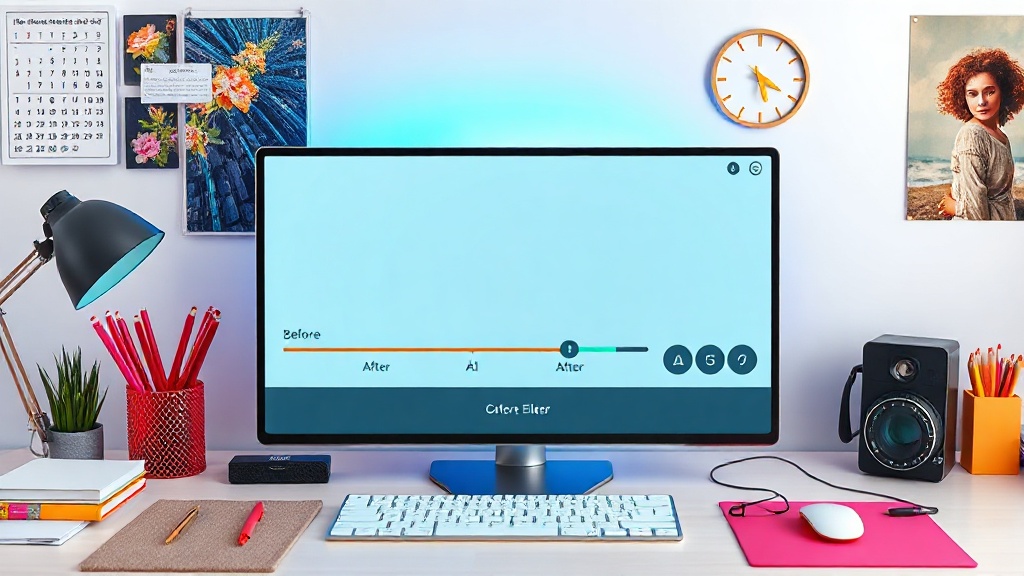
Downloading the result should offer clear options: download the latest edited image, or download the original image. This explicit control reinforces the privacy-first principle by ensuring the user always retains their original file. The server-side processing should also be designed to return distinct outputs for the edited image and any metadata related to the edits, without altering the initial upload.
By integrating these client-side validation, safe retry, and clear comparison mechanisms, developers can build AI photo editing workflows that are not only powerful but also respect user privacy and provide a seamless, trustworthy editing experience. This approach moves beyond simply calling an AI model, focusing instead on the complete, secure, and user-centric interaction.