The Journey to a Shipped AI Phone Agent
What began as a simple idea – an AI agent capable of controlling a phone using natural language – has culminated in a fully shipped project. Over the course of 21 build logs, spanning several months, developer Okeke Chukwudubem documented the iterative process of bringing this ambitious concept to life. The journey was far from linear, marked by necessary pauses for academic commitments, the demands of shipping other projects, and moments of technical frustration that required breaks for mental recalibration.
These pauses, however, did not derail the project. Instead, they allowed for a more sustainable development cycle. Each log picked up where the last left off, demonstrating a persistent effort to refine the AI agent’s capabilities. The agent was designed to interpret natural language commands, translate them into actionable steps on an Android device, and read information displayed on the screen to inform its subsequent actions.
The core functionality revolves around an AI model that acts as the agent’s brain. This model receives user input in natural language, processes it, and determines the appropriate sequence of actions to perform on the phone. Crucially, the agent can also interpret the visual output of the phone’s screen, allowing it to react to dynamic content and make more informed decisions. This closed-loop system of command, action, and observation is what enables its autonomous operation.
Core Functionality and Architecture
At its heart, the Phone Agent is powered by a sophisticated AI model. This model is responsible for parsing natural language commands, such as “call Mom” or “check my emails,” and translating them into a series of taps, swipes, and text inputs on the Android interface. It’s akin to having a highly capable assistant who understands your spoken requests and can physically interact with your device.
The agent’s ability to “see” the phone’s screen is a critical component. It utilizes screen scraping techniques to capture the current state of the user interface. This visual data is then fed back into the AI model, allowing it to understand context. For example, if the command is to “find the nearest coffee shop,” the agent might first open a maps application, read the search results displayed on the screen, and then identify the closest option.
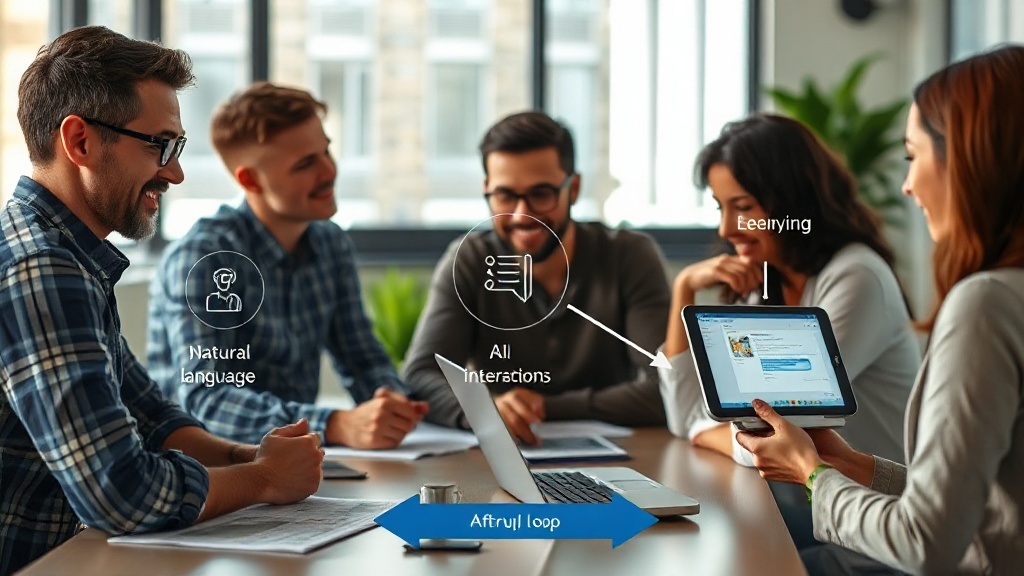
The architecture involves several key components:
- Natural Language Understanding (NLU) Module: Processes user voice or text commands.
- Action Execution Engine: Translates understood commands into specific UI interactions (taps, swipes, text entry).
- Screen Reader Module: Captures and interprets the visual content of the phone’s display.
- AI Decision-Maker: The core model that orchestrates the flow, using NLU output and screen content to decide the next action.
This layered approach allows for modular development and easier debugging. The separation of concerns means that improvements to the NLU model, for instance, do not necessarily require a complete overhaul of the action execution system.
Overcoming Development Challenges
The path to shipping was paved with numerous technical hurdles. One significant challenge was ensuring the AI could reliably interpret the diverse visual layouts of different Android applications. A button’s position or appearance can vary wildly between apps, requiring the agent to be robust against these variations. This was tackled through advanced computer vision techniques and machine learning models trained on a wide array of UI elements.
Another area of difficulty was managing the state of the phone. The agent needs to remember what application it has open, what information is currently displayed, and what the user’s ultimate goal is. Maintaining this context across multiple steps and potential interruptions is complex. For instance, if a user asks the agent to “book a flight and then send me the confirmation details,” the agent must first complete the flight booking process before proceeding to retrieve and send the confirmation.
The development process also involved significant experimentation with different AI models and frameworks. The choice of model impacts not only the agent’s intelligence but also its performance and resource requirements on a mobile device. Optimizing for speed and efficiency without sacrificing accuracy was a continuous balancing act.
The Full Setup Guide
For developers and enthusiasts eager to replicate or build upon this project, a comprehensive setup guide is now available. This guide walks users through the prerequisites, installation steps, and configuration required to run the Phone Agent on their own Android devices.
Prerequisites:
- An Android device running a compatible version of the OS.
- Python 3.8+ installed on a development machine.
- Necessary Python libraries (details provided in the guide).
- Access to the project’s codebase, available via a linked repository.
Installation Steps:
- Clone the repository from the provided link.
- Install the required Python dependencies using pip.
- Configure the connection between the development machine and the Android device (e.g., via USB debugging or network connection).
- Set up the AI model, which may involve downloading pre-trained weights or training a custom model.
Configuration:
Users will need to configure API keys for any cloud-based AI services used, adjust model parameters for performance, and potentially define custom commands or workflows. The guide offers detailed explanations for each configuration option, ensuring users can tailor the agent to their specific needs.
The availability of this guide marks the project’s transition from a personal development log to a shareable, usable tool, inviting the wider community to explore the capabilities of AI-driven phone control.