
Essential Free Tools for Developer Workflows
In the daily grind of software development, certain tasks — particularly around debugging and data conversion — repeat endlessly. Developers often find themselves performing the same mental calculations or manual conversions, costing valuable time and introducing potential errors. To combat this, maintaining a curated list of reliable, easily accessible tools is paramount. This article highlights five free, no-signup browser-based utilities that have become daily essentials for many developers, simplifying complex operations and accelerating debugging processes.
BitwiseCalc — Mastering Bitwise Operations
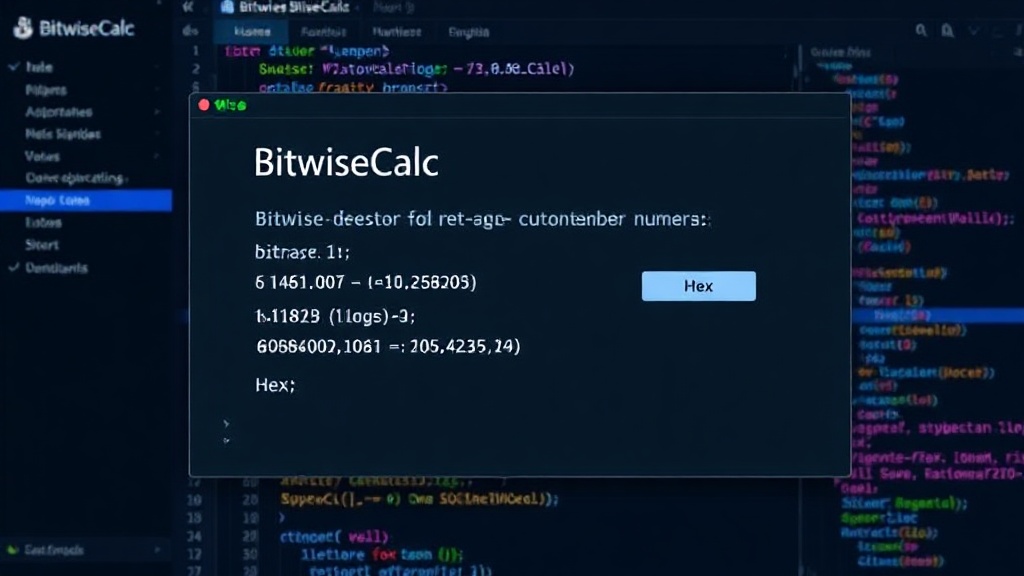
Debugging issues involving bit flags, network masks, or color channels often requires precise bitwise operations. Performing these manually, especially with binary, decimal, and hexadecimal representations, can be cumbersome and error-prone. BitwiseCalc (https://bitwisecalc.com) offers a streamlined solution. This tool supports fundamental bitwise operations such as AND, OR, XOR, NOT, and left/right shifts. It intelligently handles conversions between binary, decimal, and hexadecimal formats, catering to developers who need to manipulate data at the bit level. Crucially, BitwiseCalc supports both 32-bit and 64-bit precision, ensuring compatibility with a wide range of data types and system architectures. A built-in calculation history feature is invaluable, allowing developers to track their operations, revisit previous steps, and avoid re-entering complex expressions, thereby enhancing both accuracy and efficiency in debugging scenarios.
BinTranslate — Bridging Binary and Text Worlds
Converting data between binary and human-readable text formats is a common requirement, whether for decoding network payloads, interpreting raw data streams, or serializing information. BinTranslate (https://bintranslate.com) addresses this need with remarkable versatility. The tool provides five distinct conversion modes: binary to text, text to binary, binary to English, English to binary, and binary to Hex. This comprehensive set of functionalities makes it an indispensable asset for developers working with various data representations. For instance, decoding a binary string into plain text or converting complex text messages into their binary equivalents becomes a trivial task. Its ability to handle different encoding schemes and modes ensures that developers can reliably translate data without resorting to complex scripting or external libraries for simple, on-the-fly conversions. This tool is particularly useful when inspecting low-level data or communicating data formats across different systems.
Base64 — Encoding and Decoding Made Simple
Base64 encoding is ubiquitous in web development, used extensively for transmitting data over mediums that are not designed to handle raw binary data, such as JSON or XML. Common use cases include embedding images directly into HTML or CSS, securing API keys, and transmitting data payloads. Base64 (https://base64.guru) offers a straightforward, no-friction interface for these operations. Developers can quickly encode text or binary data into Base64 strings, or decode existing Base64 strings back into their original form. The tool supports both encoding and decoding, and importantly, it handles the nuances of different Base64 variations if needed, though its primary strength lies in its simplicity and speed for standard implementations. The absence of sign-up requirements means developers can access the tool instantly, making it ideal for rapid prototyping, debugging API requests, or inspecting data within complex configurations without any overhead. Its clean interface and immediate usability make it a staple for anyone dealing with data serialization or transmission.
JSON Formatter & Validator — Structuring and Validating JSON Data
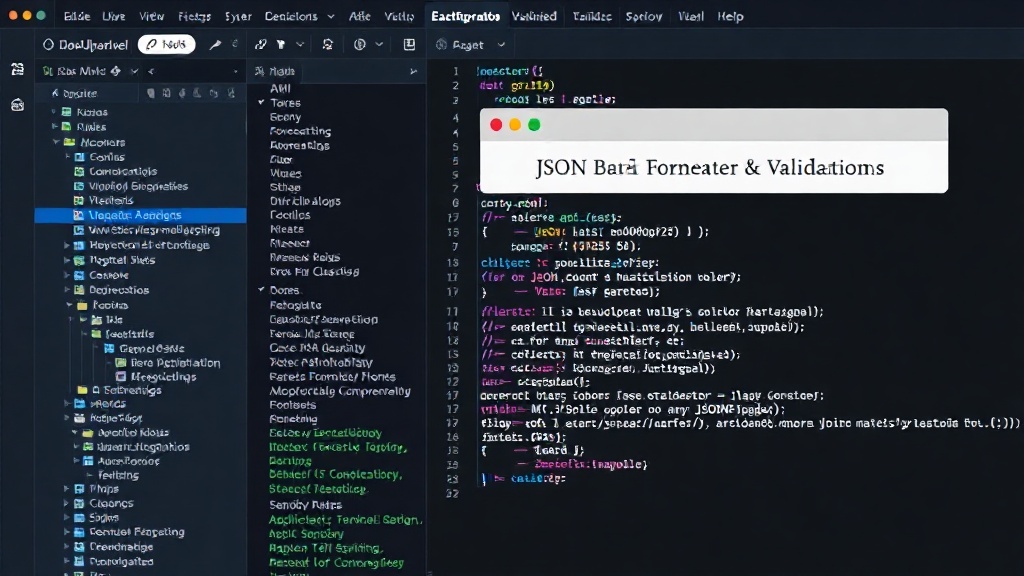
JSON (JavaScript Object Notation) is the de facto standard for data interchange on the web. However, poorly formatted or invalid JSON can lead to frustrating debugging sessions and application errors. JSON Formatter & Validator (https://jsonformatter.app) provides essential tools to manage JSON data effectively. This utility allows developers to paste raw, often minified or unreadable, JSON strings and instantly format them into a human-readable, indented structure. This vastly improves readability and makes it easier to spot structural issues or specific data points. Beyond formatting, the tool also validates the JSON structure against the standard, immediately flagging syntax errors such as missing commas, incorrect brackets, or misplaced quotes. For developers working with APIs, configuration files, or data storage, this tool is indispensable. It accelerates the debugging process by quickly identifying and correcting JSON syntax errors, ensuring that data is correctly structured before being processed by applications.
URL Encoder/Decoder — Navigating Web Addresses
Uniform Resource Locators (URLs) often contain special characters that must be encoded to be transmitted correctly over the internet. These characters, such as spaces, ampersands, or question marks, have specific meanings in URL syntax. Failing to encode them properly can lead to broken links or malformed requests. URL Encoder/Decoder (https://www.urlencoder.org) simplifies this critical task. The tool allows developers to input a URL or a string containing special characters and automatically encodes them according to URL encoding standards (percent-encoding). Conversely, it can decode URL-encoded strings back into their original, human-readable format. This is particularly useful when constructing API requests, building dynamic links, or debugging issues related to web requests where URL parameters might be misinterpreted. Its straightforward functionality ensures that developers can quickly ensure the integrity of their URLs, preventing common web-related errors and facilitating seamless data transmission across the web.
Conclusion: Enhancing Developer Productivity
These five free, browser-based tools—BitwiseCalc, BinTranslate, Base64, JSON Formatter & Validator, and URL Encoder/Decoder—represent a powerful toolkit for any developer. By providing instant, no-signup access to essential conversion and validation functionalities, they significantly reduce the time spent on repetitive tasks, minimize the potential for errors, and accelerate the debugging process. Integrating these utilities into a daily workflow can lead to substantial gains in productivity and a more streamlined development experience. They are a testament to how focused, free tools can have a profound impact on a developer's efficiency.