Introduction to Model Context Protocol (MCP) Servers
The Model Context Protocol (MCP) offers a powerful way to extend the capabilities of large language models like Claude, allowing them to interact with your local environment and external services. By running MCP servers, you grant Claude access to information and tools that significantly enhance its utility beyond simple text generation. This isn't about theoretical possibilities; these are three MCP servers I have running daily within Claude Desktop, proving their practical value.
1. Filesystem Server: Granting Claude Access to Your Codebase
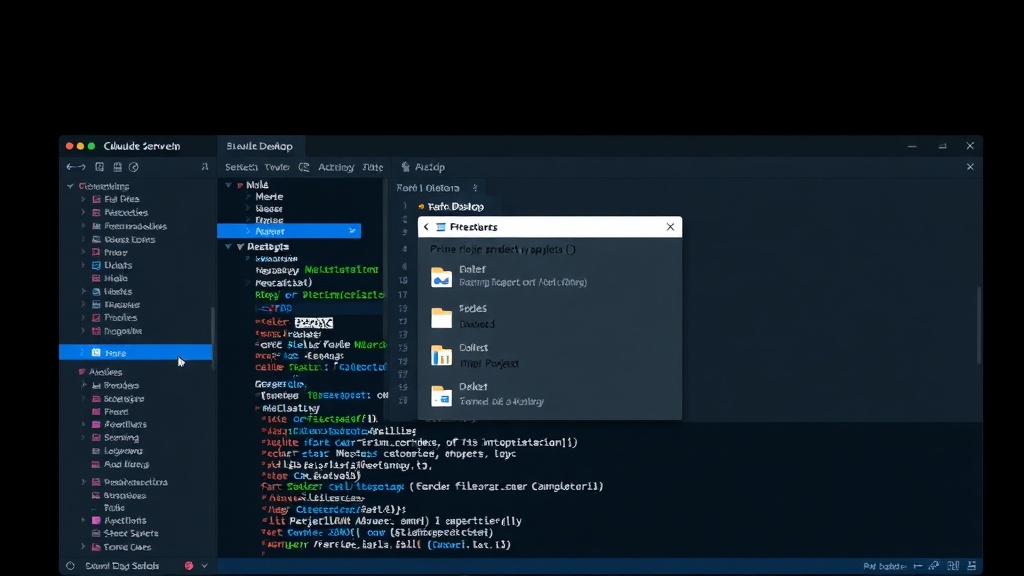
The @modelcontextprotocol/server-filesystem is indispensable for any developer working with local projects. Instead of manually copying and pasting code snippets into Claude, this server allows the AI to directly read and understand your project files. This capability transforms Claude from a text generator into an active participant in your development workflow.
Setting up the filesystem server is straightforward. You install it using the mcp-hub command-line tool:
mcp-hub install @modelcontextprotocol/server-filesystem
Once installed, you configure it to point to your project's root directory. This simple configuration unlocks a wealth of new interactions. For instance, you can ask Claude to analyze specific modules, explain complex logic, or even identify potential bugs by directly referencing your codebase.
Real usage example: "Read the auth module and explain how the token validation works." This allows Claude to provide context-aware explanations, referencing the exact code it's analyzing. This is far more efficient and accurate than relying on Claude's general knowledge or manually providing code excerpts.
2. GitHub Server: Supercharging Code Reviews and Repository Analysis
For developers who live in GitHub, the @modelcontextprotocol/server-github is a game-changer. This server integrates Claude with your GitHub repositories, enabling it to interact with issues, pull requests, and the repository's overall structure. This elevates Claude's role from a passive assistant to an active collaborator in your development process, particularly for code reviews.
Installation is as simple as the filesystem server:
mcp-hub install @modelcontextprotocol/server-github
After installation, Claude can authenticate with your GitHub account (ensuring you control its access) and begin analyzing your repositories. The real power lies in the types of queries you can perform. You can ask Claude to summarize changes across multiple pull requests, identify the authors of specific code sections, or even flag potential issues based on commit history and issue tracking.
Real usage example: "Check what changed in the last 3 PRs and summarize." This allows for rapid code review, helping you quickly grasp the scope of recent changes without manually sifting through each pull request. It's like having a junior developer perform an initial pass on your code changes.
3. PostgreSQL Server: Enabling Data-Driven Conversations with Your Database
The @modelcontextprotocol/server-postgresql brings the power of your PostgreSQL databases directly into Claude's conversational interface. This server allows Claude to query your database, retrieve data, and even help you understand your data schema. This is incredibly useful for data analysis, debugging database-related issues, or simply gaining insights from your stored information.
To set it up, install the server via mcp-hub:
mcp-hub install @modelcontextprotocol/server-postgresql
Configuration requires providing Claude with the necessary connection details for your PostgreSQL instance, including host, port, username, password, and database name. It's crucial to manage these credentials securely, perhaps by using environment variables or a secure configuration file that Claude can access. Once connected, Claude can execute SQL queries and interpret the results.
Real usage example: "Show me the top 5 most active users in the 'users' table by their last login date." This allows for quick data exploration without needing to open a separate SQL client or write complex queries from scratch. Claude can also assist in writing more complex SQL queries or explaining existing ones.
Conclusion: Unlocking Deeper AI Integration
These three MCP servers – Filesystem, GitHub, and PostgreSQL – represent a fundamental shift in how developers can leverage AI assistants like Claude. By providing direct access to code, version control systems, and databases, you transform Claude from a disembodied chatbot into an integrated tool within your development environment. The ability to ask contextual questions about your codebase, review code changes efficiently, and query your databases conversationally saves significant time and unlocks new levels of productivity. If you're using Claude Desktop for development, integrating these MCP servers is not just recommended; it's essential for maximizing the AI's potential.